How To Download Redmine Tags Plugin for Free
Classify issues the way your team actually talks - not the way Redmine’s config forces. The Tags Plugin is completely free to use on any Redmine instance. Register below and we’ll send the download link straight to your inbox.
Get started in 3 simple steps
- 1Register to Redmineflux
Complete the registration process by entering your details in the sign-up form and submit it. Once submitted, you will receive an email.
- 2Email Verification and Download Zip File
Check your email (in inbox, spam, and others), verify your account, then proceed to download the provided zip file.
- 3Install Plugin in Your Redmine Environment
Add the Tags Plugin into your Redmine environment and leverage the full power of our plugin for free.
Register for Tags Plugin — Free
Fill in the form and we’ll email you the download link within minutes.
Redmine Tags – the free Redmine cross-project tagging plugin.
Redmineflux Tags is a free plugin that adds freeform tagging to Redmine issues. Create a tag by typing it, apply it to any issue, and filter by tag across your Redmine issues – without schema changes, without touching the Redmine configuration. Works alongside trackers, categories, and custom fields – not instead of them.
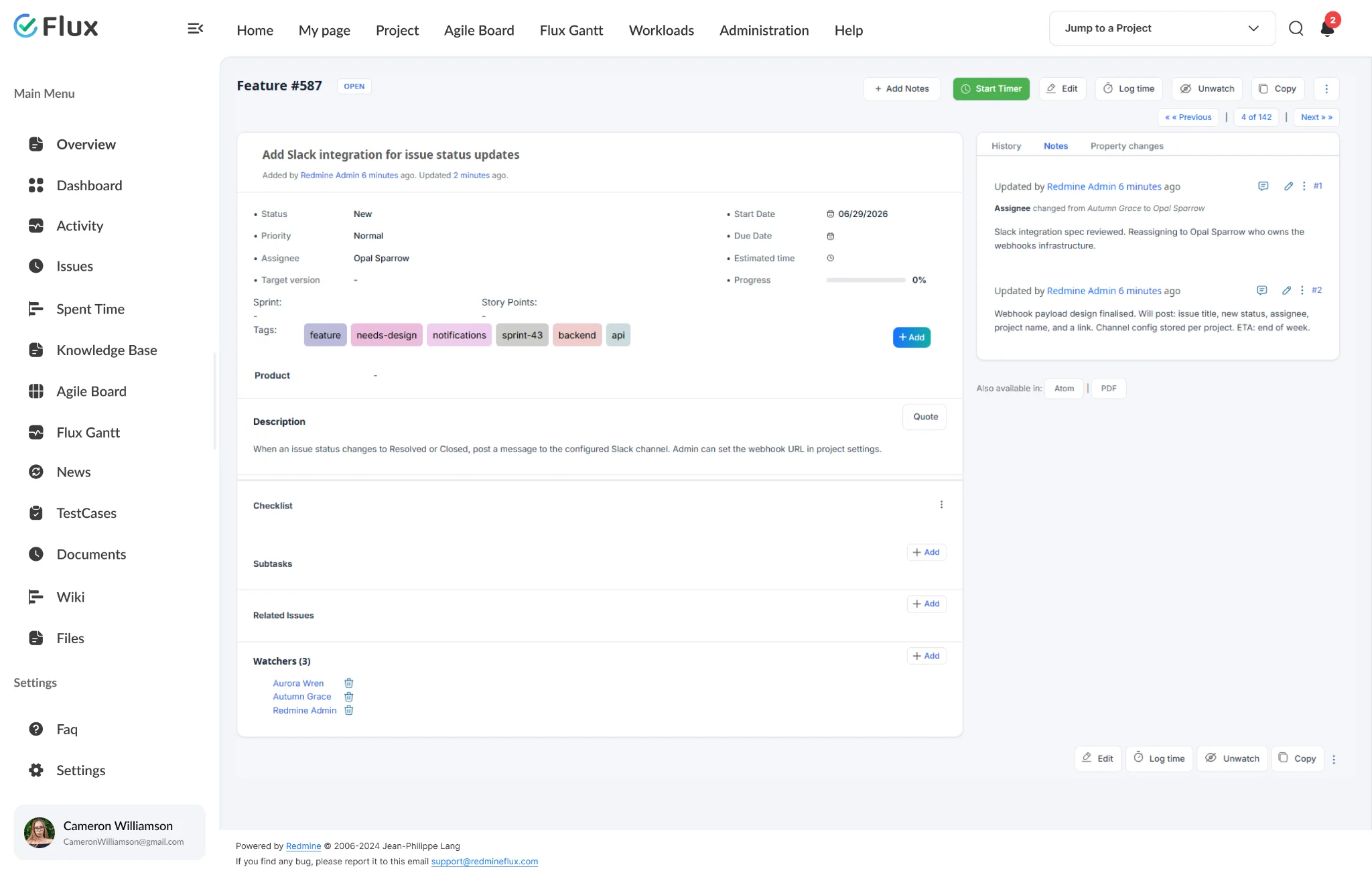
Classify issues the way your team already thinks.
Your team talks about work as “the Acme project”, “tech-debt”, “regression cycle”. Tags let the tool speak that language too – no need to invent a tracker or category for every concept. One-word labels carry the meaning.
Find every related issue with one tag filter.
Click any tag label on an issue to instantly see all issues carrying that tag. Or open the issue list, select the tag field from the filter dropdown, and apply – every issue with that tag appears in the result. No custom field needed, no tracker to configure. One tag covers the concept.
Zero configuration overhead.
Any team member creates a tag by typing it. Admins don’t become a bottleneck for every new classification concept. Tag library grows organically with the team’s vocabulary, and admin controls (rename, delete) keep the library clean when tags overlap or become obsolete.