Redmine plugin notes for delivery teams.
For teams of 10–300 running Redmine. Tips, plugin updates, and AI workflows.
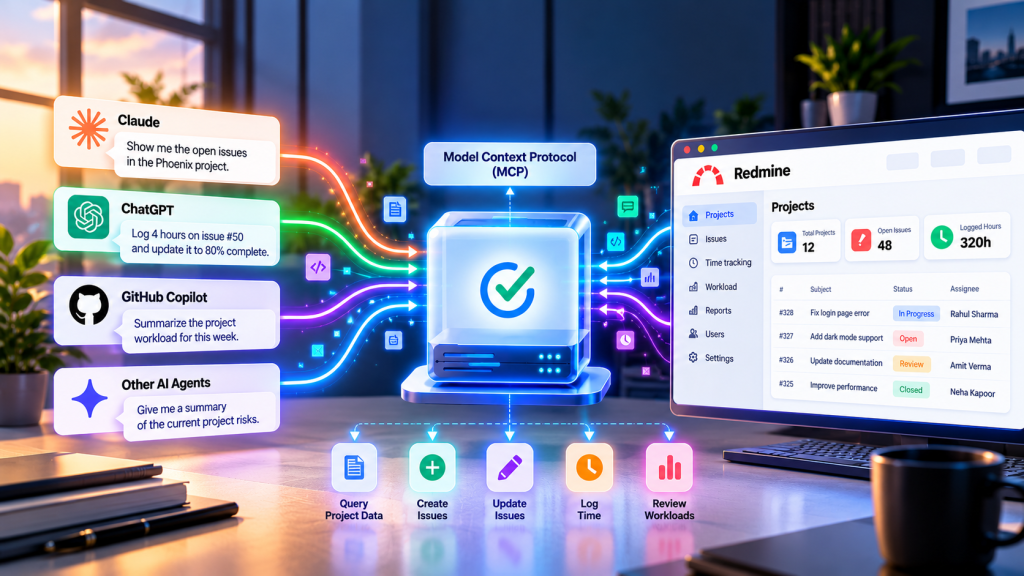
Redmine MCP Server: Connect AI Assistants Directly to Redmine
AI assistants are most useful when they can access data your team already works with. For Redmine teams, that means project status, issues, time tracking, and workloads.
Read article →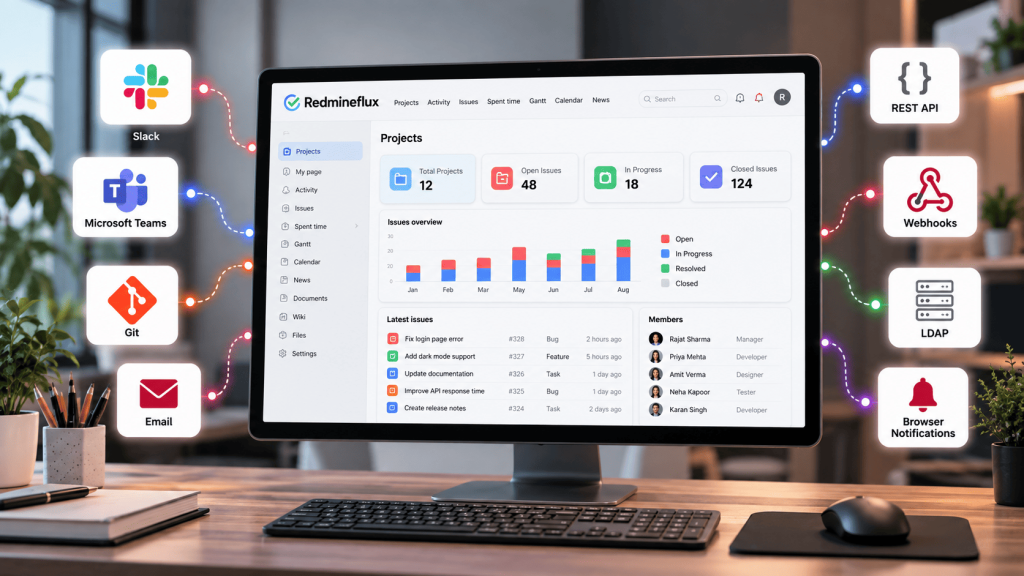
Redmine Integrations: Slack, Teams, Webhooks & API (2026)
Redmine rarely works alone. Most teams use it alongside communication tools, source-code repositories, email, authentication systems, automation platforms, and other applications.
Read article →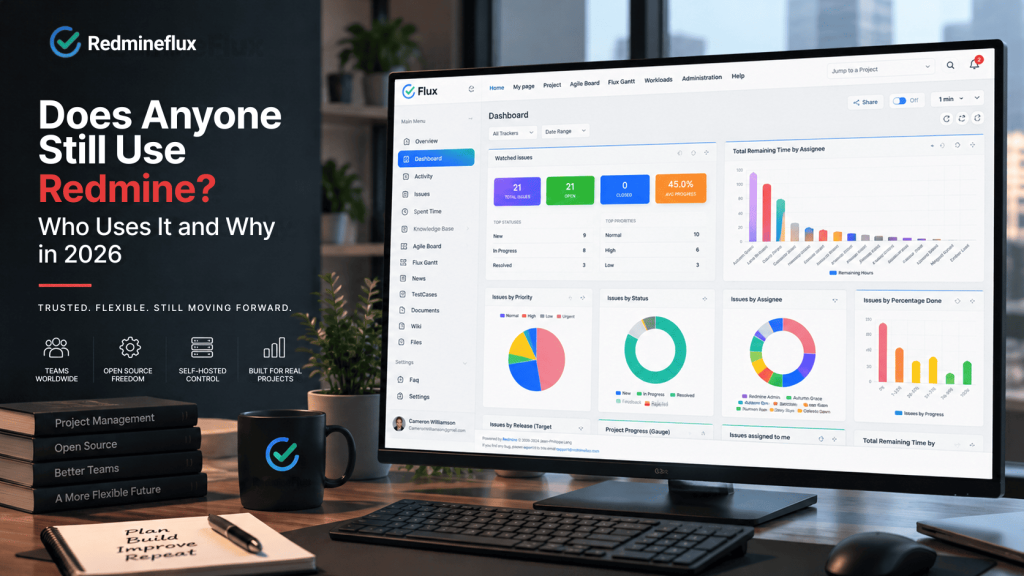
Does Anyone Still Use Redmine? Who Uses It and Why in 2026
If you are evaluating Redmine for your team, one question tends to come first: does anyone still use Redmine? It is a fair question for a tool that launched back in 2006.
Read article →
How to Migrate from Jira to Redmine: A Step-by-Step Guide
Migrating from Jira to Redmine requires four steps: export Jira data as CSV (projects, issues, and attachments handled separately), configure Redmine projects and…
Read article →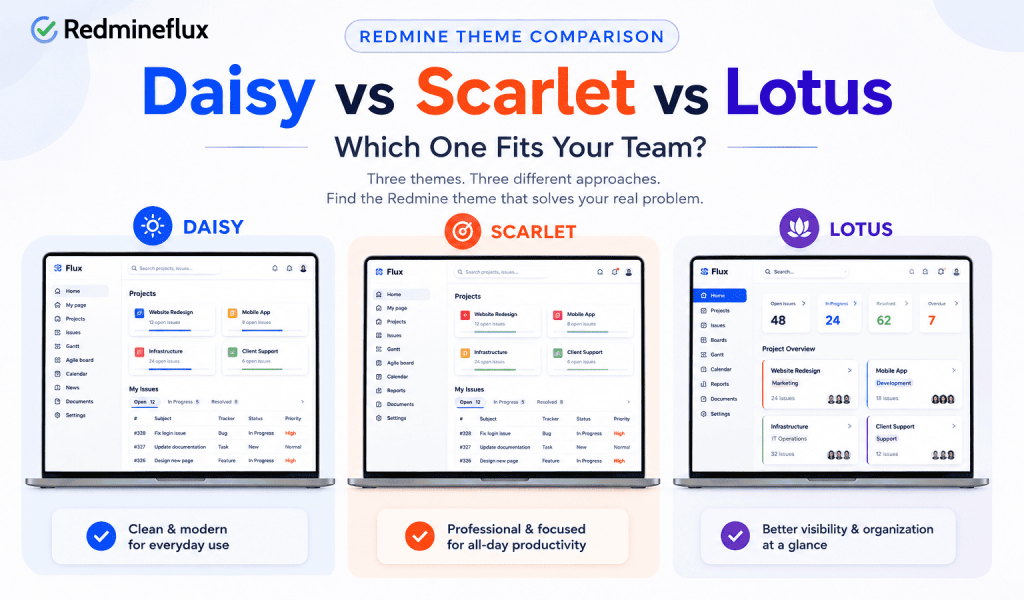
Redmine Theme Comparison: Daisy vs Scarlet vs Lotus —Which One Fits Your Team
Redmine's default interface is functional but plain, and it looks it which is exactly why a Redmine theme is usually one of the first changes a team makes once they've…
Read article →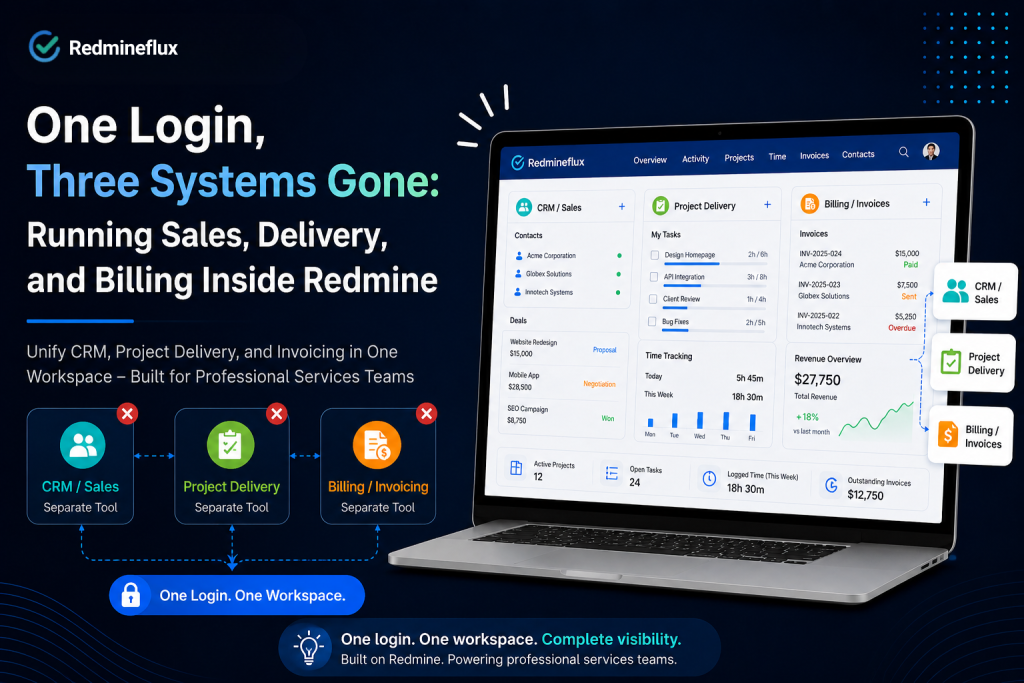
Redmine Time Tracking: Complete Guide for Billable Teams
Redmine time tracking gives every hour worked a specific address in the project record. A time entry is not just a note in the project log.
Read article →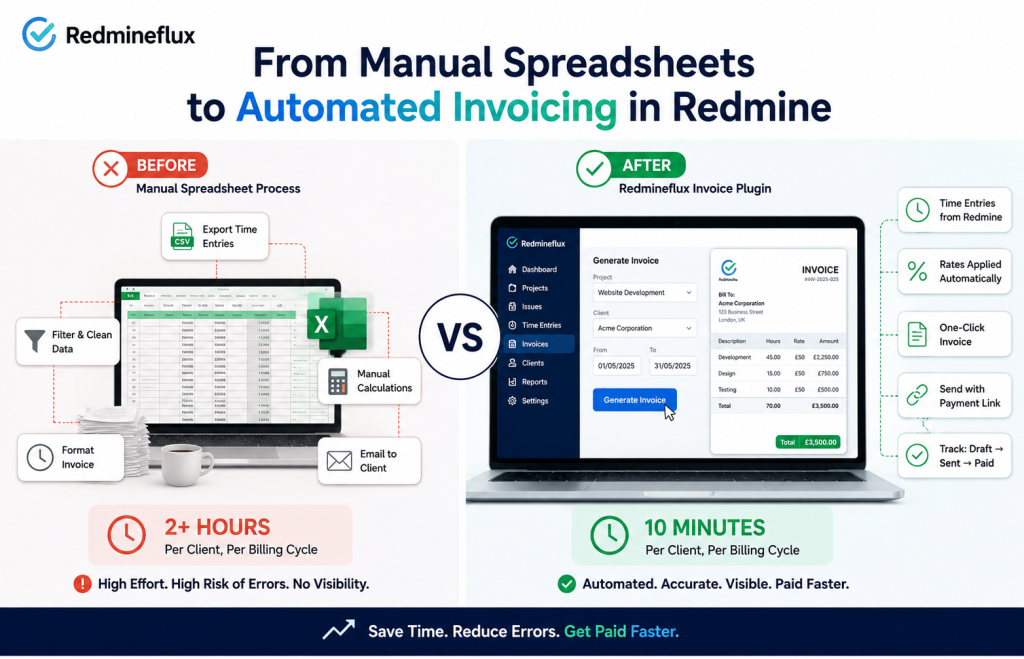
Redmine Invoicing: Manual Spreadsheets vs the Redmineflux Invoice Plugin
The Redmineflux Invoice Plugin generates client invoices directly from logged Redmine time entries.
Read article →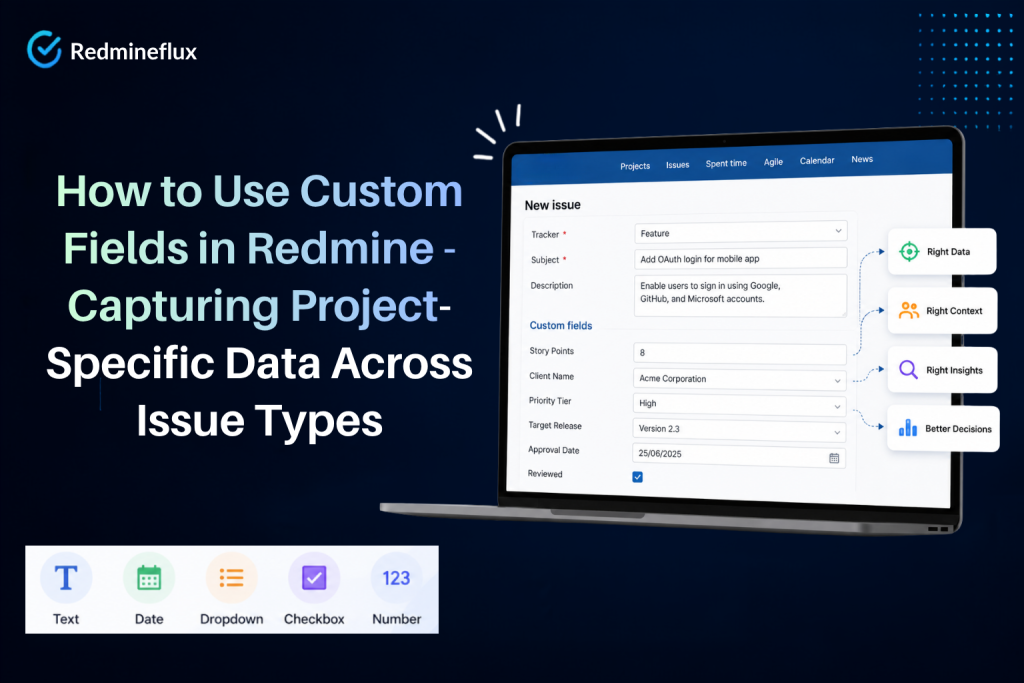
How to Use Custom Fields in Redmine – Capturing Project-Specific Data Across Issue Types
Redmine custom fields let administrators add project-specific data to any issue type and every project has data that Redmine’s defaults do not cover.
Read article →No posts match. Try another word or category.
Put these tips to work in your Redmine.
Cloud from $69/month for 25 users – or plugins from $49, one-time.