Redmine plugin notes for delivery teams.
For teams of 10–300 running Redmine. Tips, plugin updates, and AI workflows.
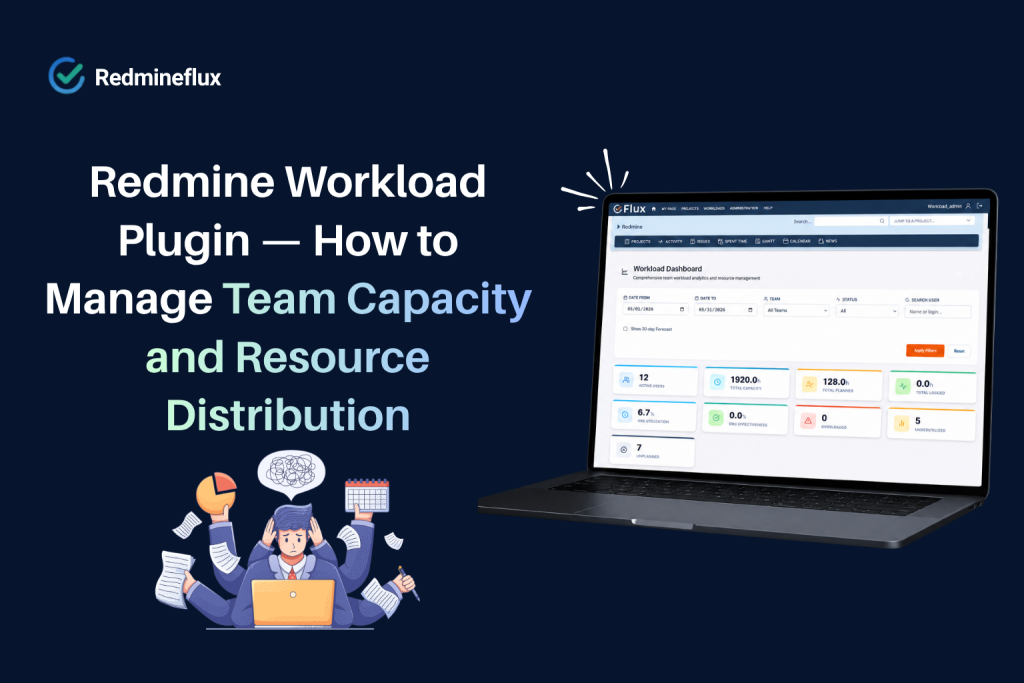
Redmine Workload Plugin — How to Manage Team Capacity and Resource Distribution
Redmine shows who is assigned to what.
Read article →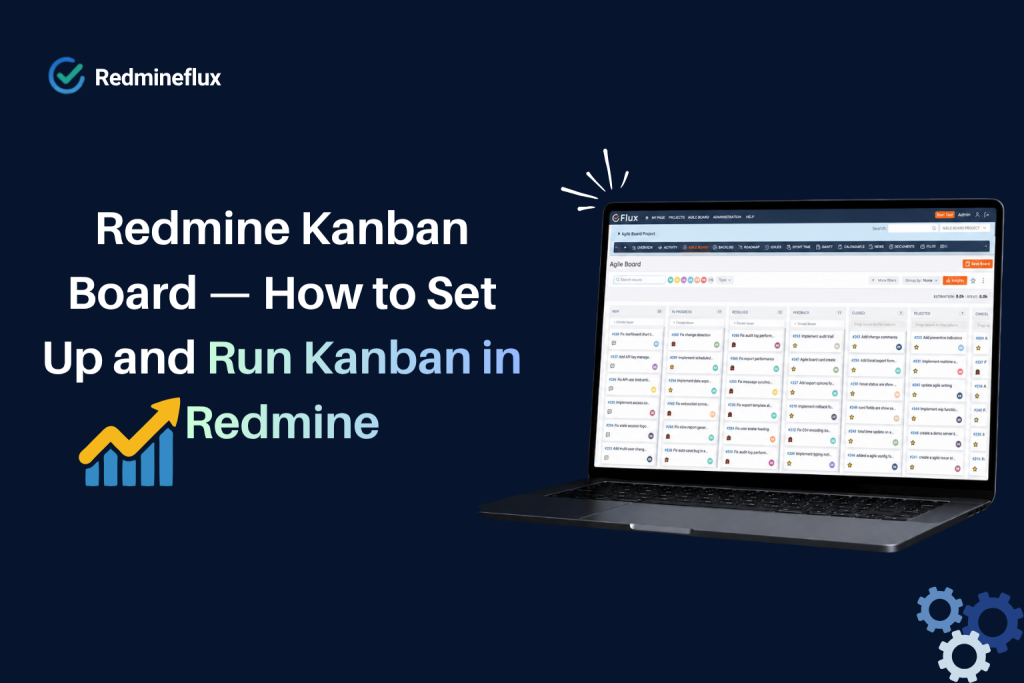
Redmine Kanban Board — How to Set Up and Run Kanban in Redmine
In essence, Redmine is built around issue lists. Every project has a tracker, every issue has a status, and every team has a workflow.
Read article →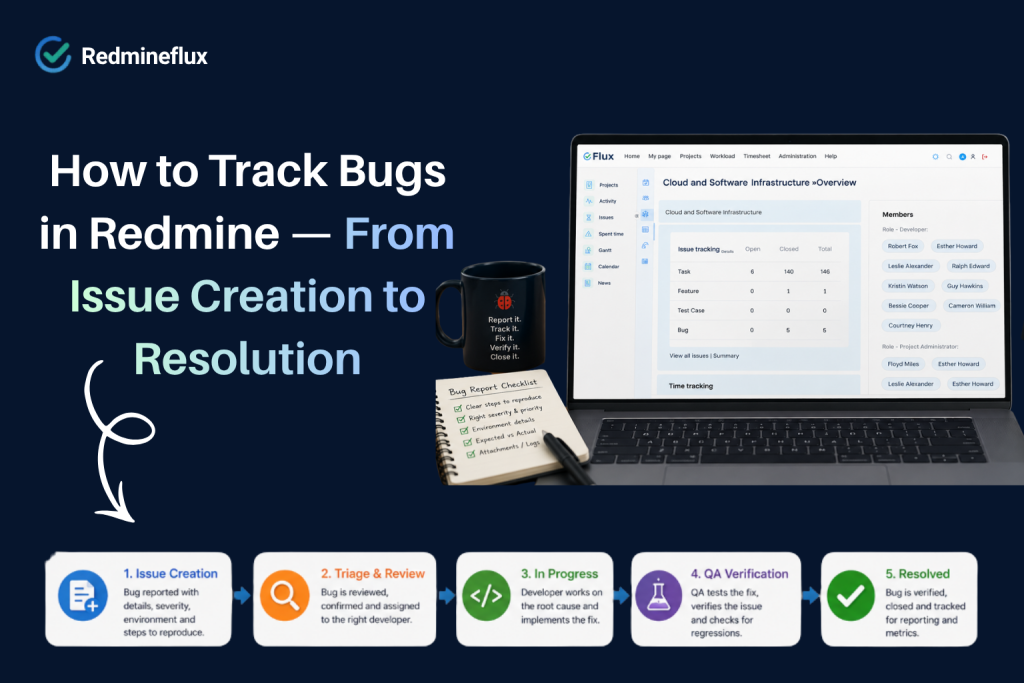
How to Track Bugs in Redmine — From Issue Creation to Resolution
Redmine’s native issue tracking model is well-suited to bug management.
Read article →
Self-Hosted vs SaaS Project Management — Which Is Right for Your Team?
The choice between self-hosted and SaaS project management feels like a technical decision.
Read article →
How to Run a Sprint in Redmine — A Step-by-Step Guide
Redmine is not a Scrum tool by default. It does not ship with sprint boards, velocity tracking, or a structured backlog.
Read article →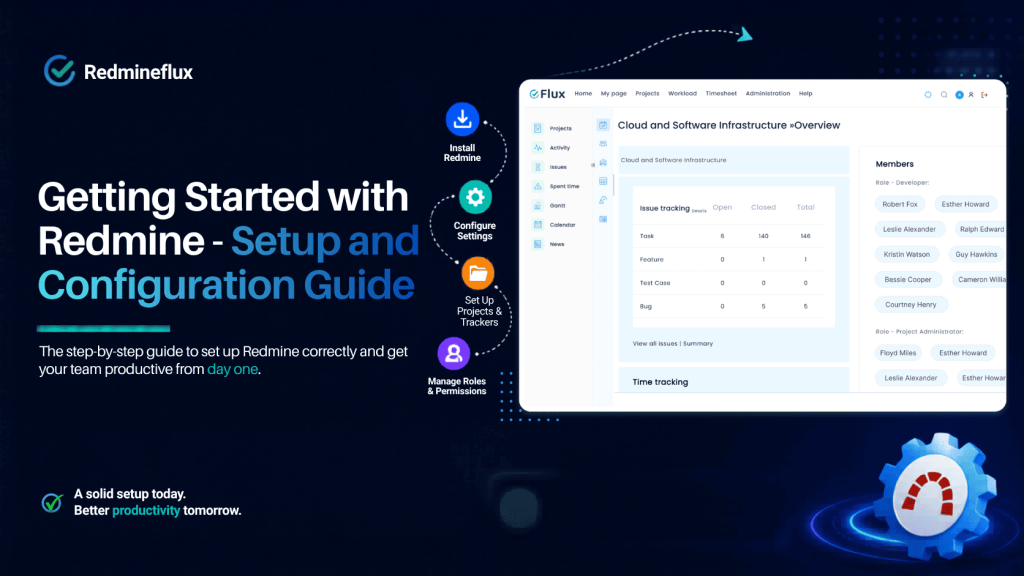
Getting Started — How to Setup Redmine and Configuration Guide
Knowing how to set up Redmine correctly from the start saves weeks of reconfiguration later. In fact, Redmine’s flexibility is its greatest strength and its biggest challenge.
Read article →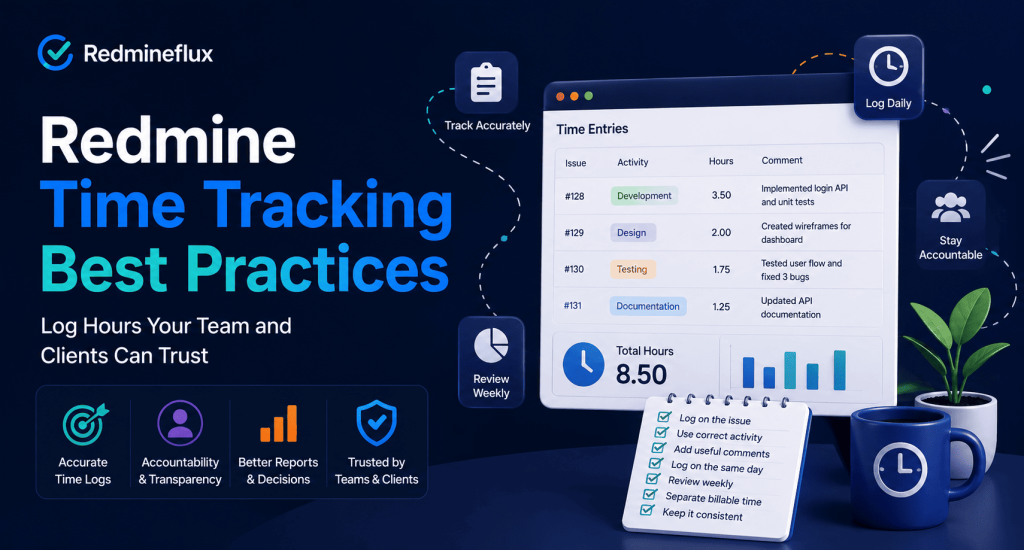
Redmine Time Tracking Best Practices — Log Hours Your Team and Clients Can Trust
The problem is never the tool. It is always the habits behind it. In fact, most teams turn on Redmine time tracking on day one and never revisit the setup. Engineers log hours.
Read article →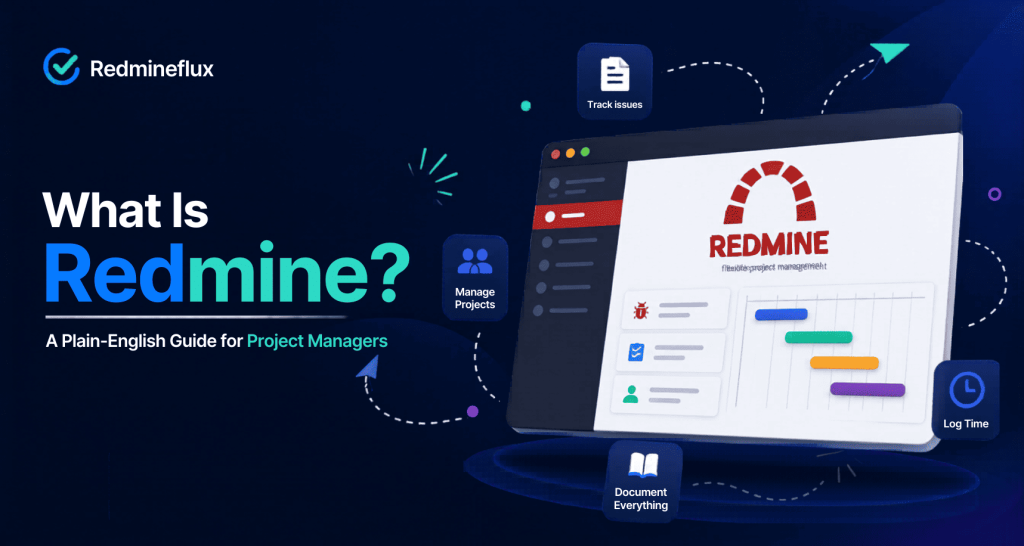
What Is Redmine? A Plain-English Guide for Project Managers
If your team evaluates project management software, Redmine comes up quickly.
Read article →No posts match. Try another word or category.
Put these tips to work in your Redmine.
Cloud from $69/month for 25 users – or plugins from $49, one-time.